Enpass: WiFi Sync Tutorial (2025)
Good YouTube Video Tutorials URLs
01. I recorded the step taken in Enpass
Written Tutorial: Tailscale on Home Assistant
How To Setup Enpass WiFi Sync (2025)
NOTE:
We used the desktop Enpass WiFi Sync to populate Julie's new iPhone 16+
with the vault stored on my old HP Omen Laptop.
Now it is used for backing up they're iDevices to iTunes.
#1 - Switch the WiFi network to the normal Lightspeed WiFi
-
DO NOT USE... Deco Mesh Network
Bcoz, the sync would fail due to sum unknown error
(I'm assuming it's got something todo with my Adguard DNS Server?)
#2 - On the Laptop Enpass:
-
Goto:
Settings >> WiFi Sync >>
Start The WiFi Sync Server
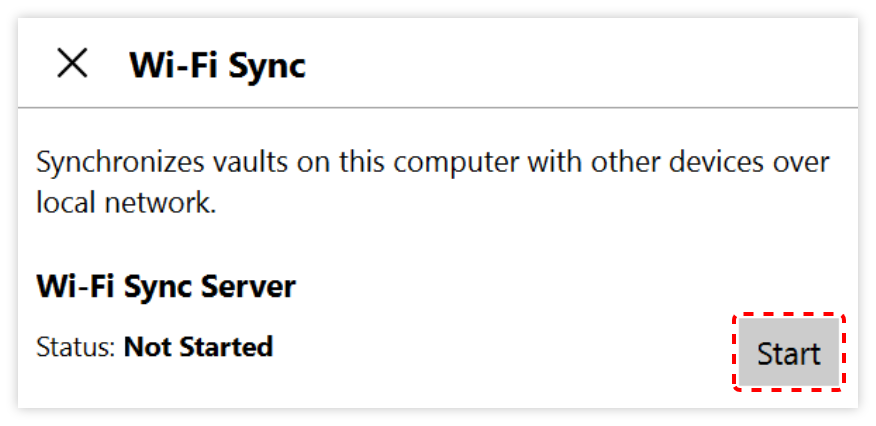
#3 - On the Laptop Enpass:
-
Select the vault to be uploaded to the iPhone
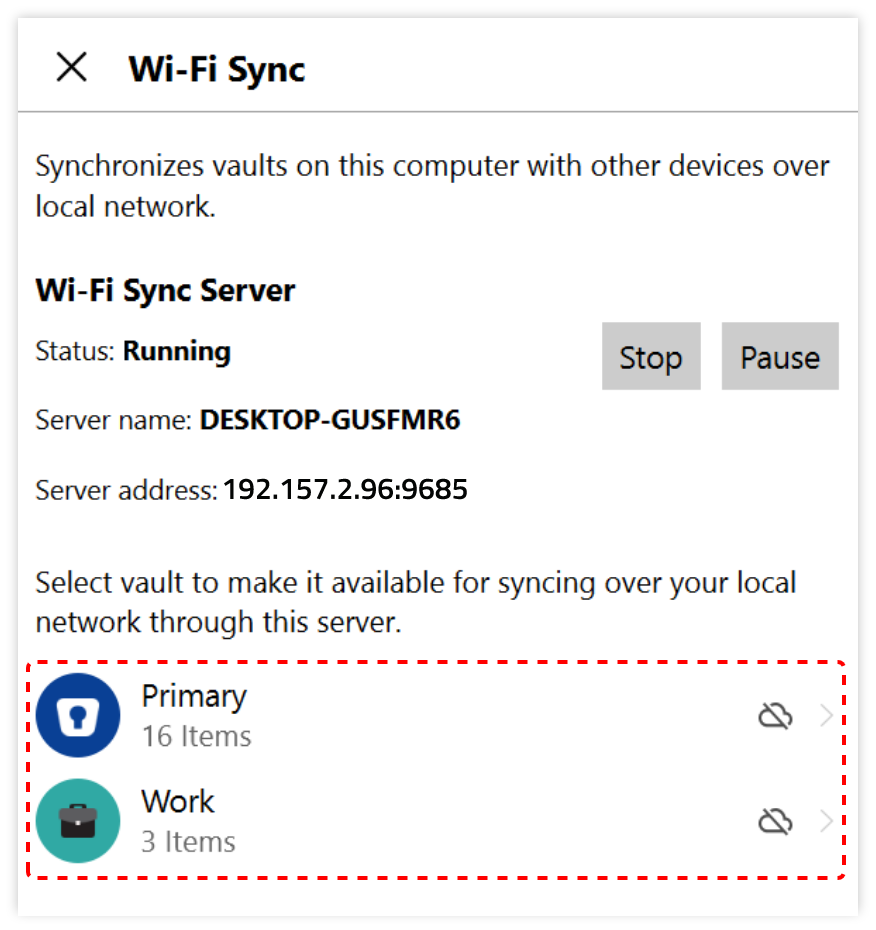
#4 - On the Laptop Enpass:
-
Now the screen will change
A QR Code will be shown
(This QR code needs to be scanned by the iPhone)
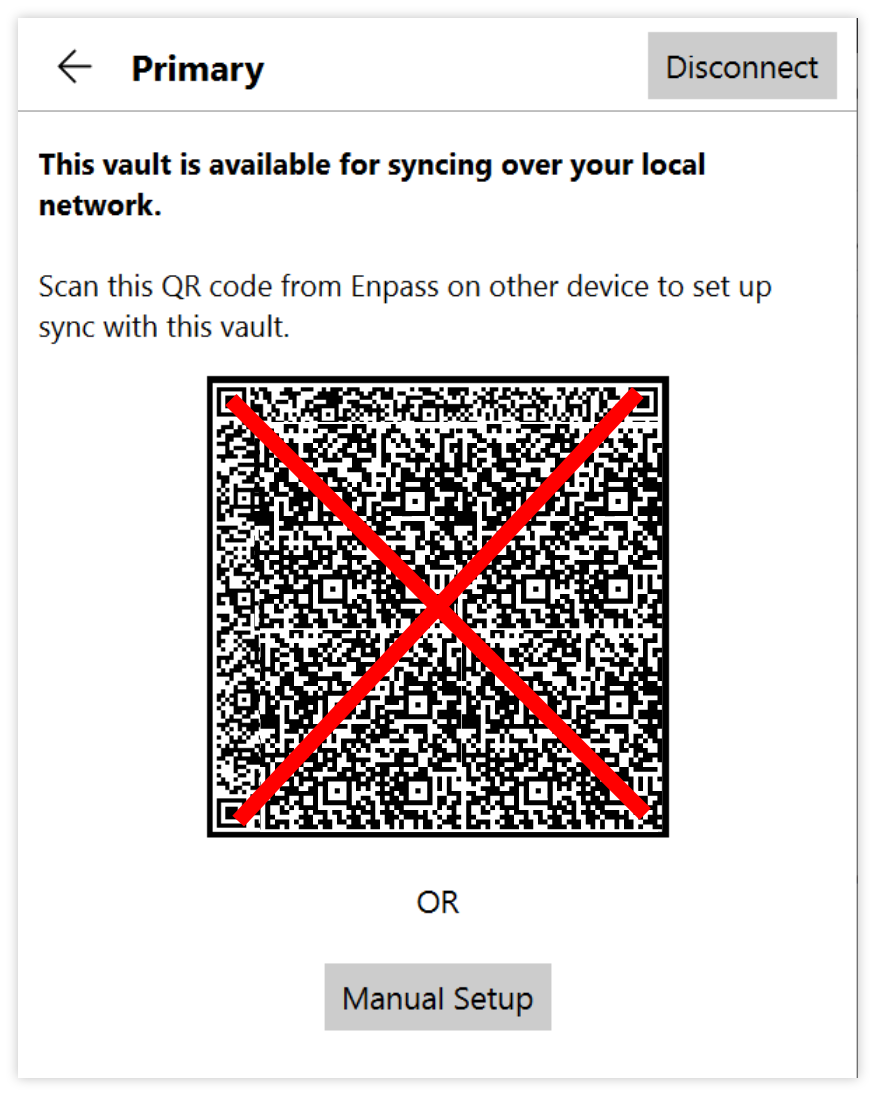
#5 - On the iPhone Enpass:
- You will be asked if you want to restore from a backup >> Answer = YES
- You will then be shown a selection of restore sources
- Select >>
WiFi Sync - Now, Scan the QR Code with the iPhone.
If successful, the Vault on the Laptop will be transferred, over WiFi, into the iPhone.
Apple/ iOS App: InstructionsWin10: Instructions
Android App: Instructions
## IMPORTANT NOTES ##
- The Master Password of the restored vault on the iPhone will be the SAME as the vault on the Laptop!!
- Remember!! - The Master Password of the Vault STAYS with the vault!
- So after syncing a vault from the laptop, maybe change the password?.. On the NEW device now using the same vault
- you MUST change the Password on the iPhone Enpass back to be the same as on the Laptop Enpass
Enpass Wi-Fi Sync
Enpass WiFi Sync How-To (June-2025) - Notes File
Date: 21st/June/2025
Created By: JapSlappa