How to Re-Connect your iTunes library (Located On an External HDD)
to a fresh install of the iTunes App.
Example : After you Wipe & Re-Install Windows
Here's an web link to an ok tutorial of how to move your iTunes library... Click Here
Here's my short video of how todo it.. (Click on the picture below)
.. Video
Here's my short instructions...
- Press & hold the Keyboard "Shift" button
Click HERE for picture: Large View
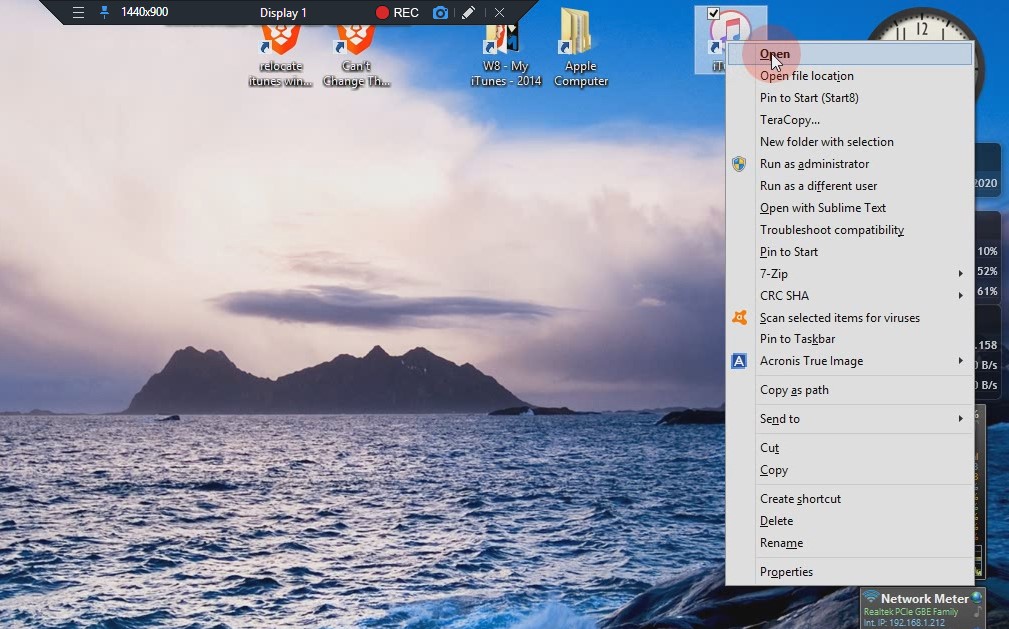
Right-Click on the iTunes icon
- From the drop-down list.. Select: "OPEN"
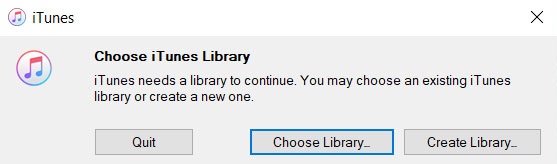
- An iTunes info box should appear, Shown Here...
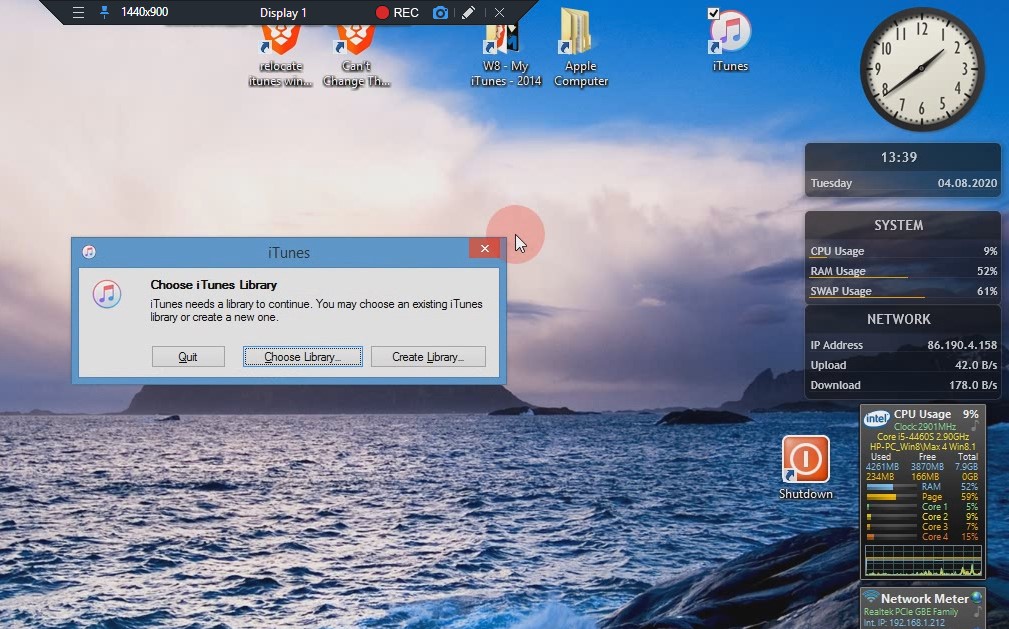
- Click.. "Choose Library"
Now you can navigate to your External HDD, where the iTunes lbrary is located
- Find the iTunes file called "iTunes Library.itl"
8. Select THAT FILE ONLY!!
- That's it!
iTunes will now read everything from in & from that iTunes Library